
Outerverse Steam CD Key









Description
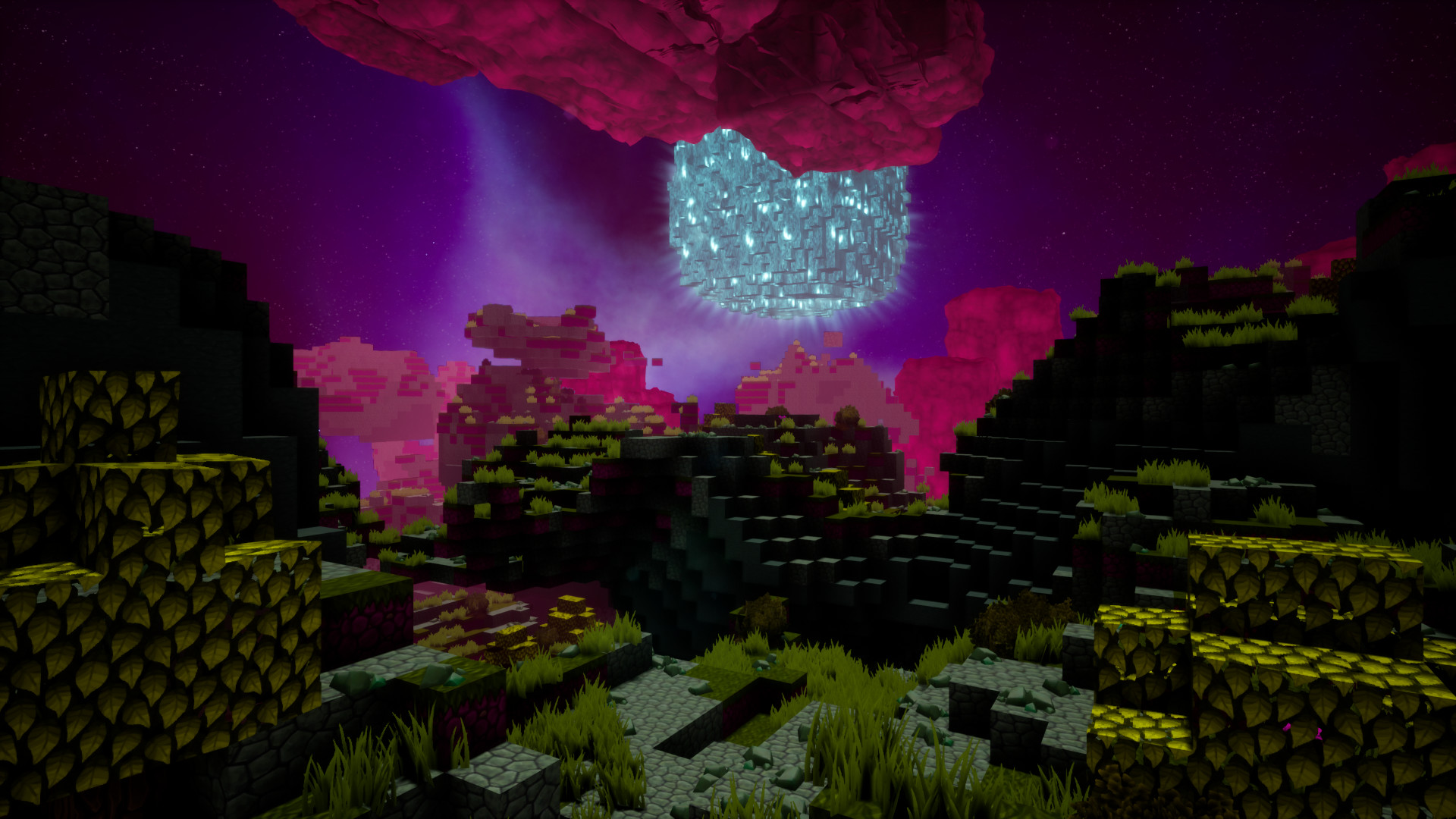
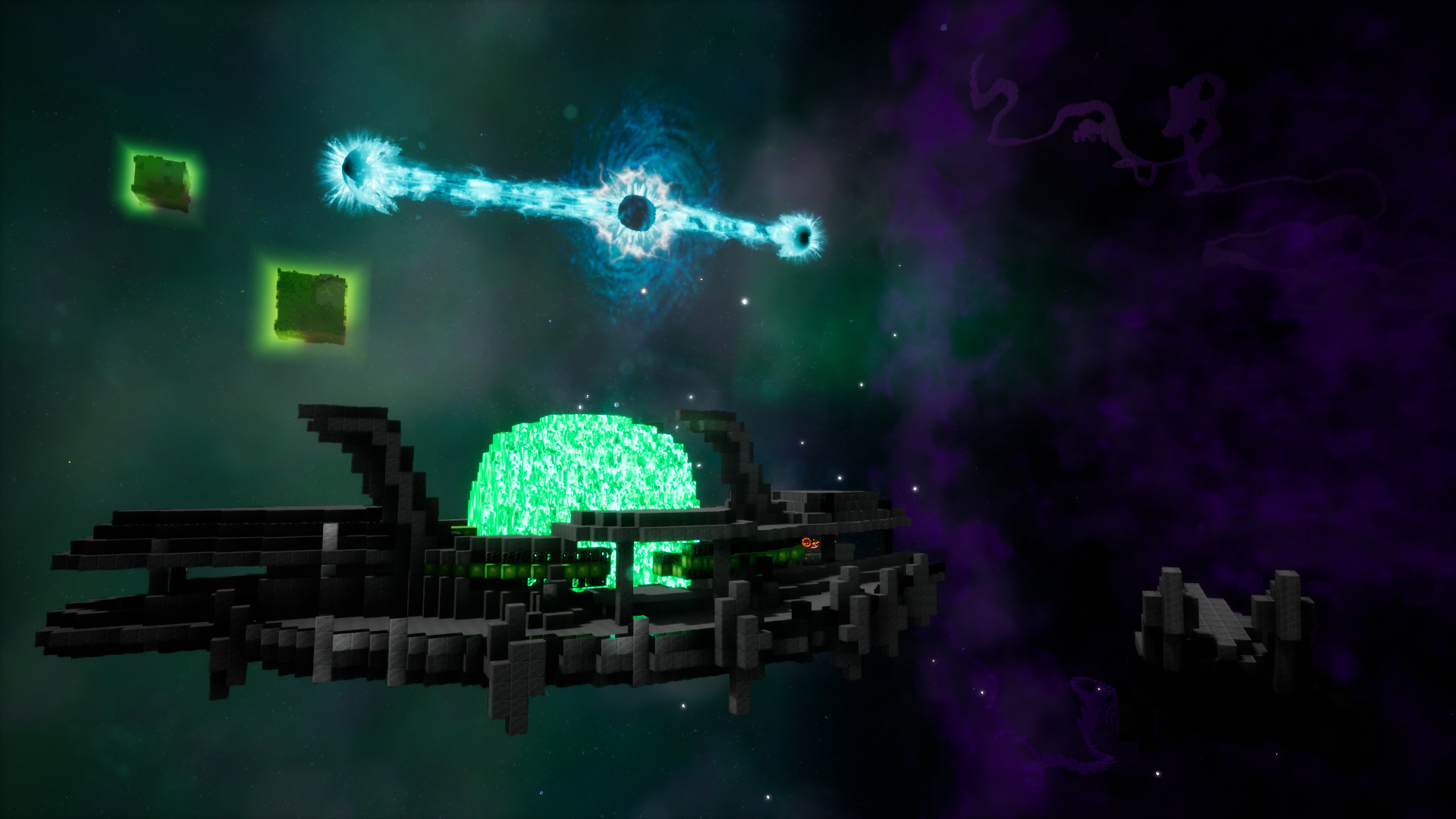
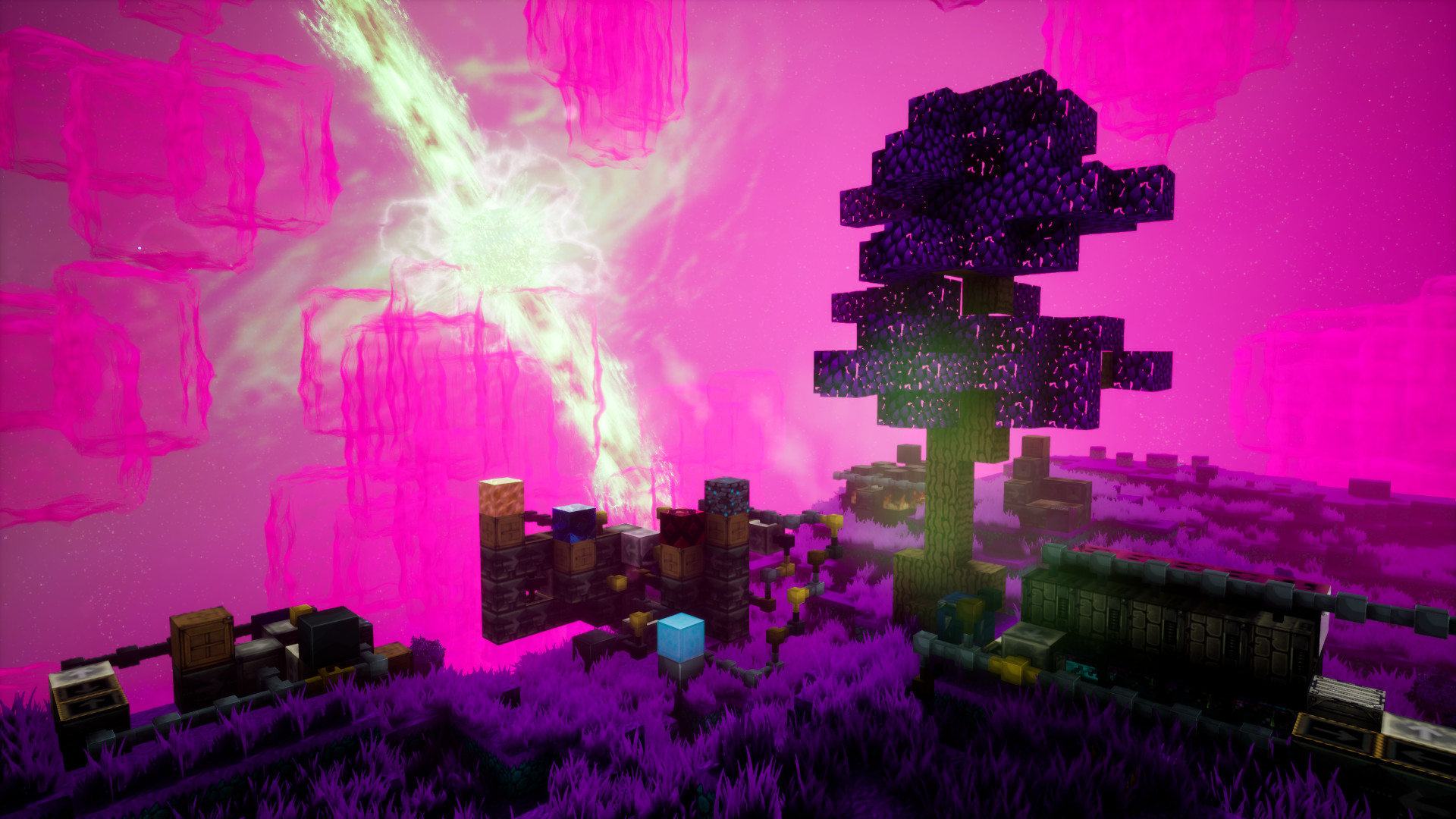
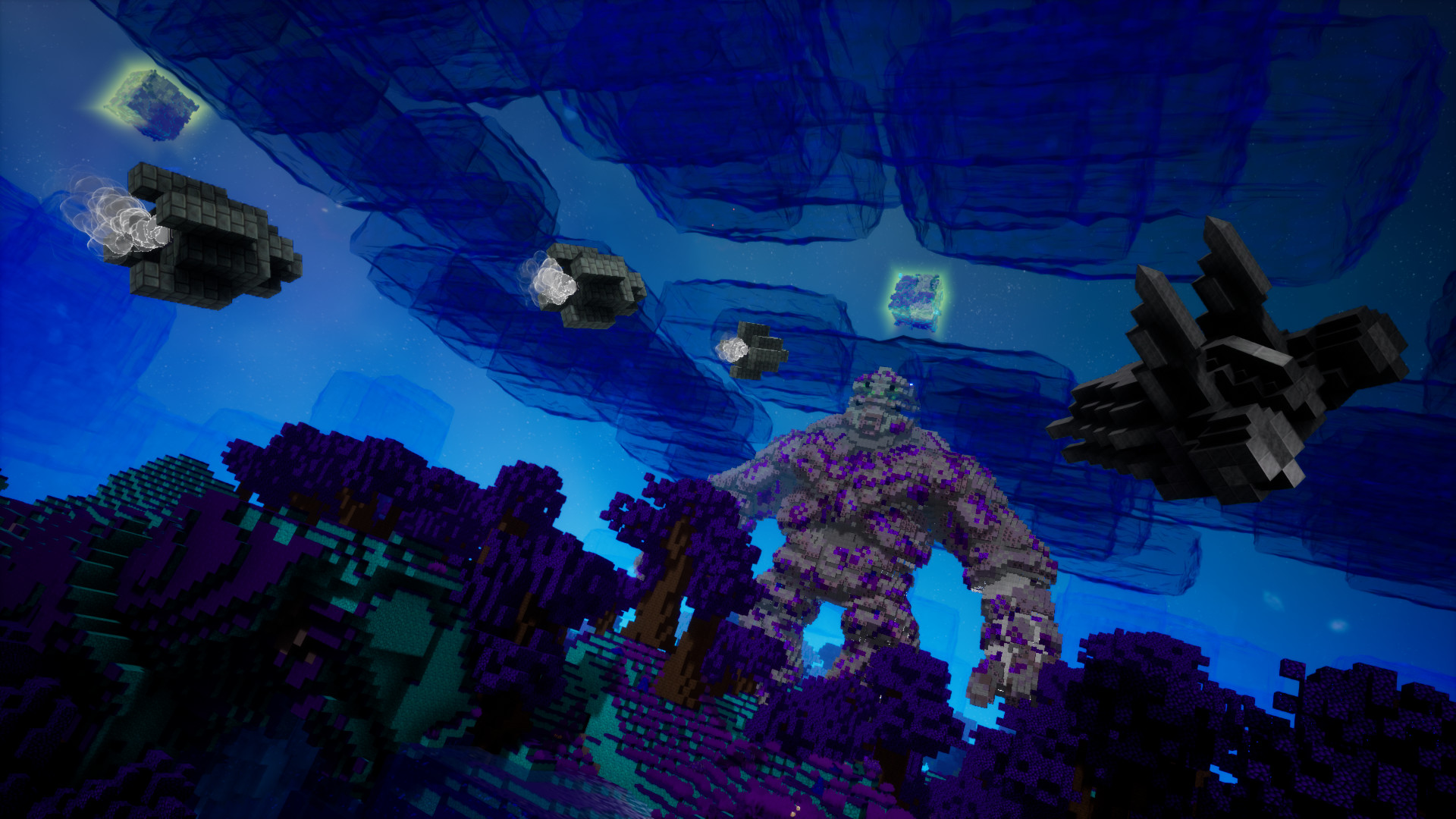
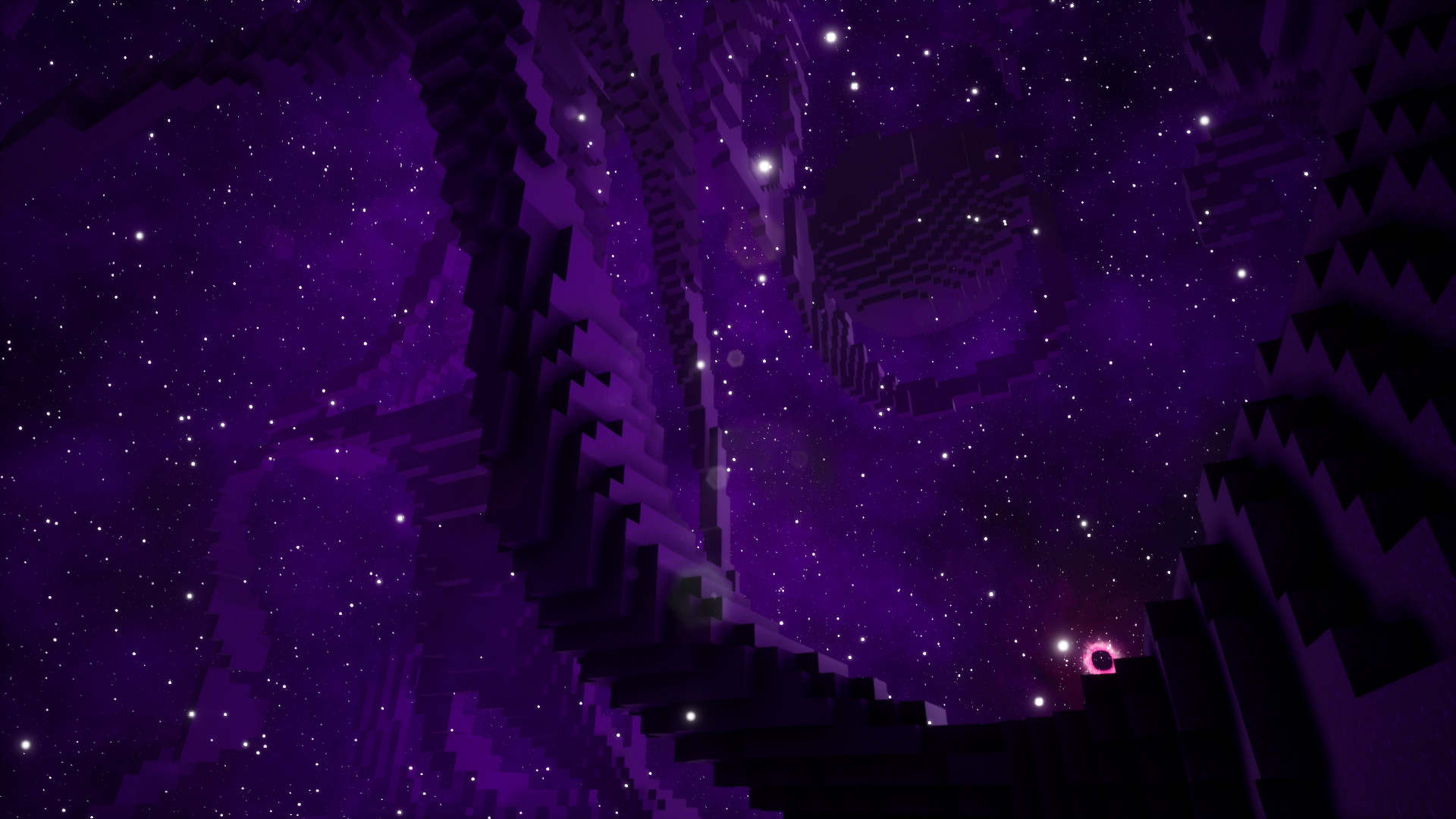
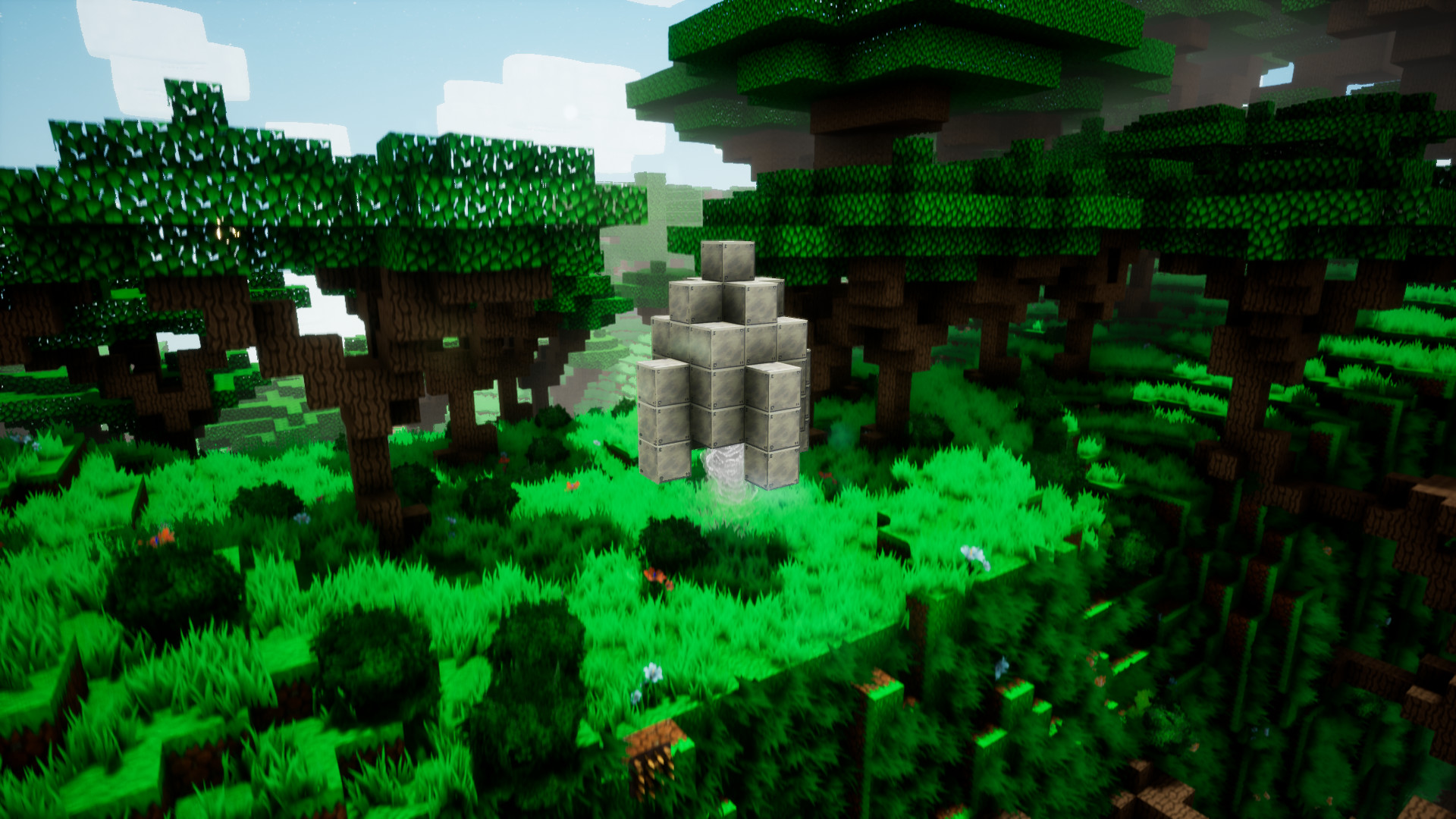
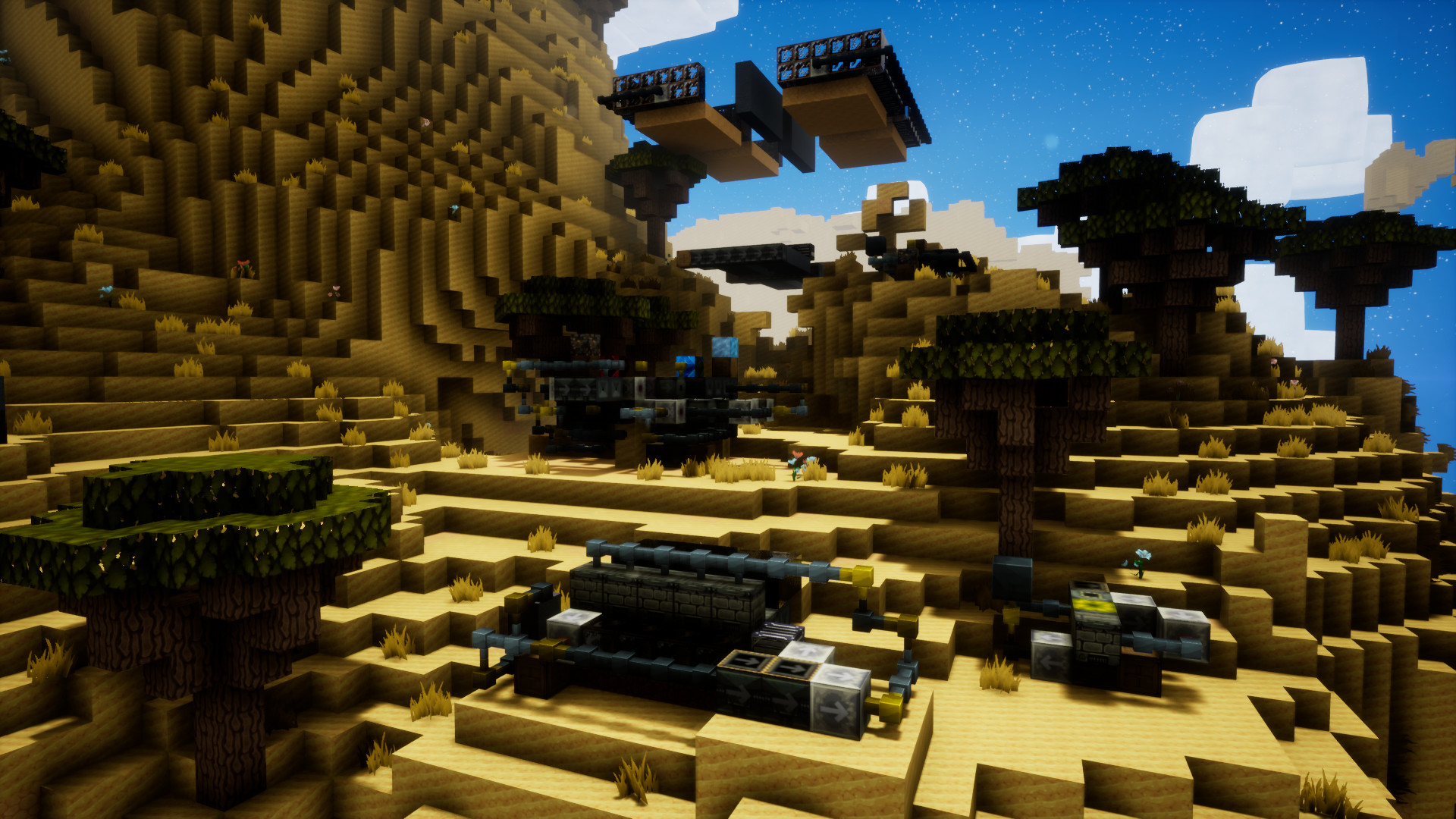
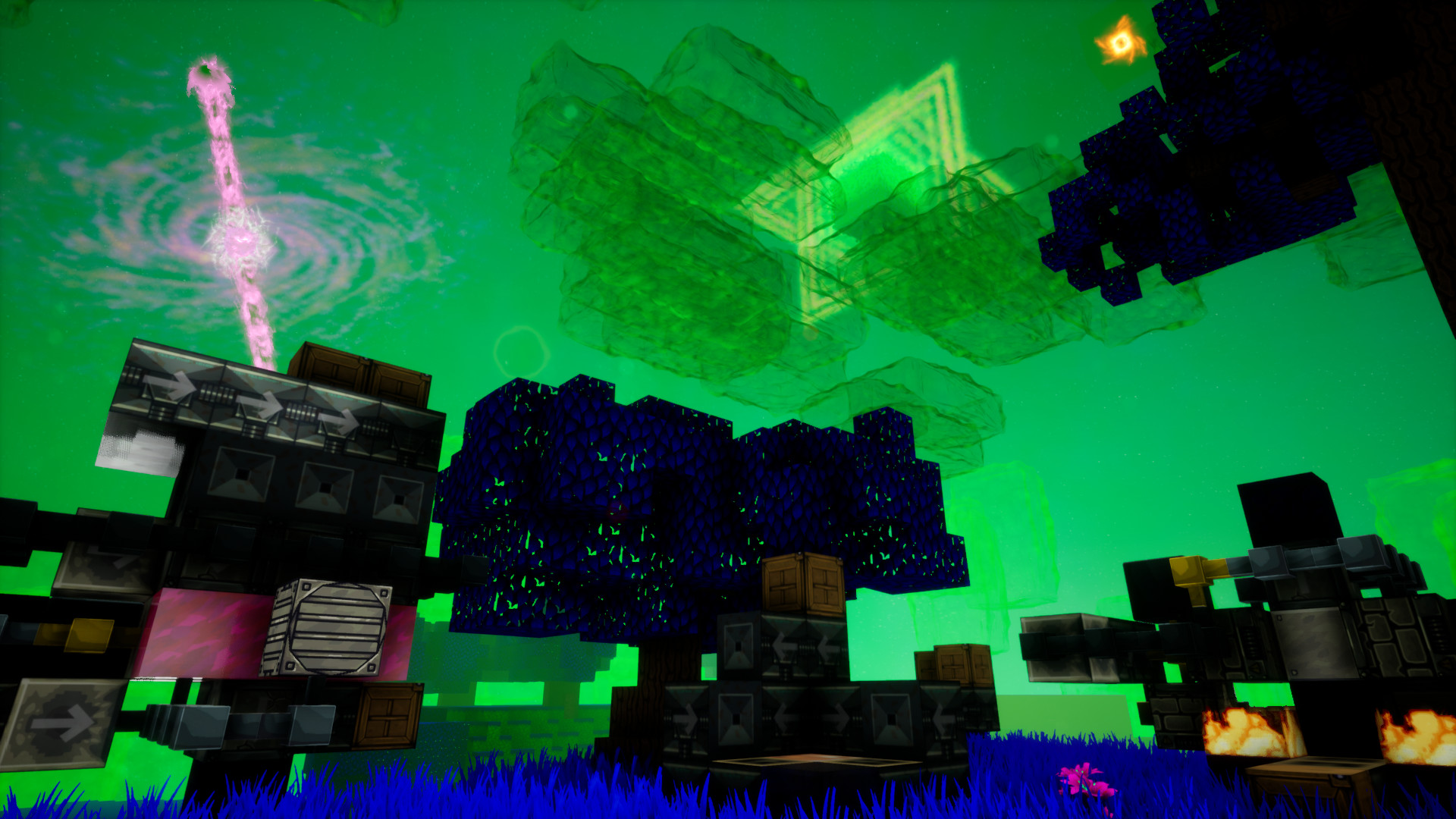
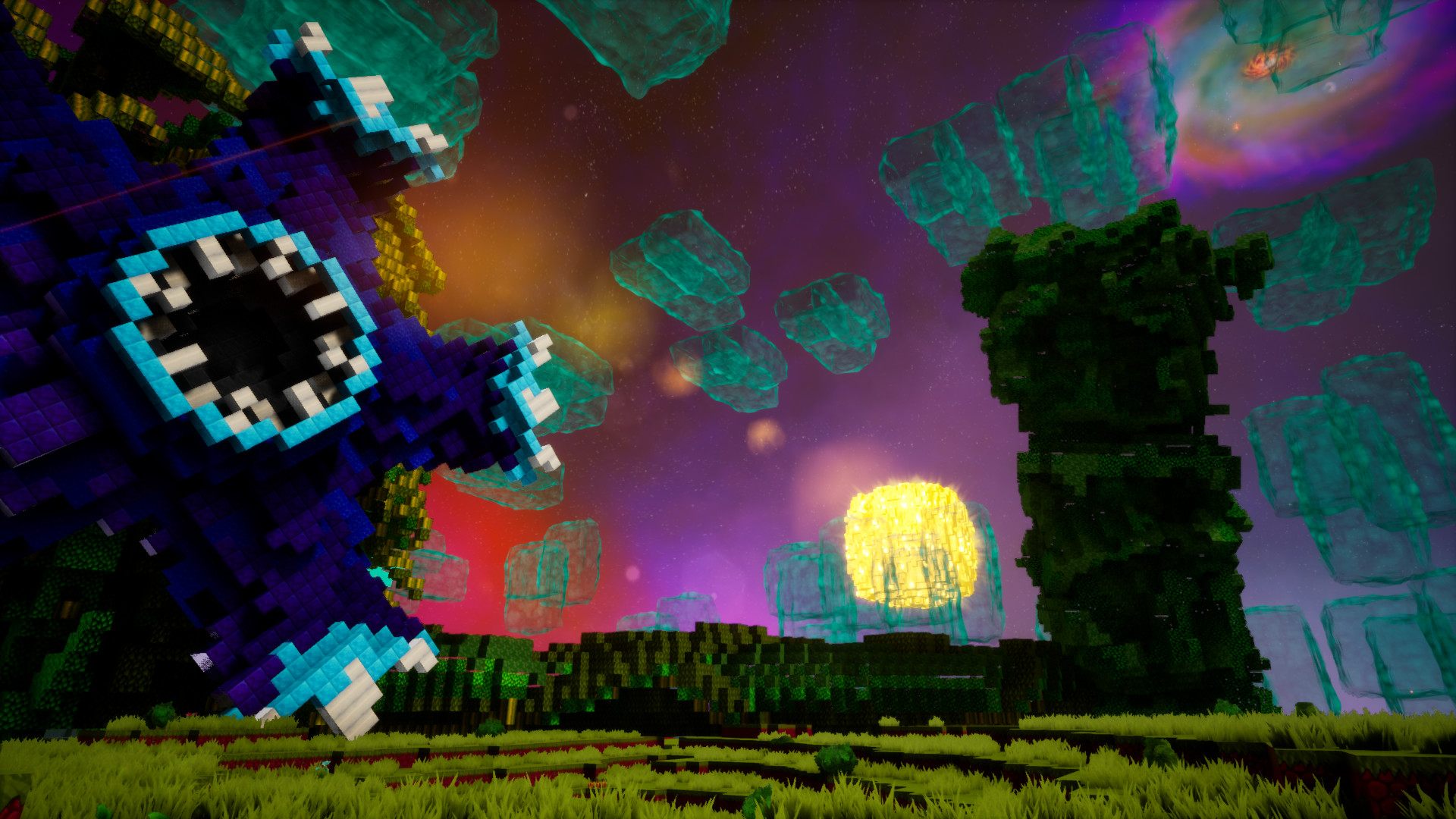
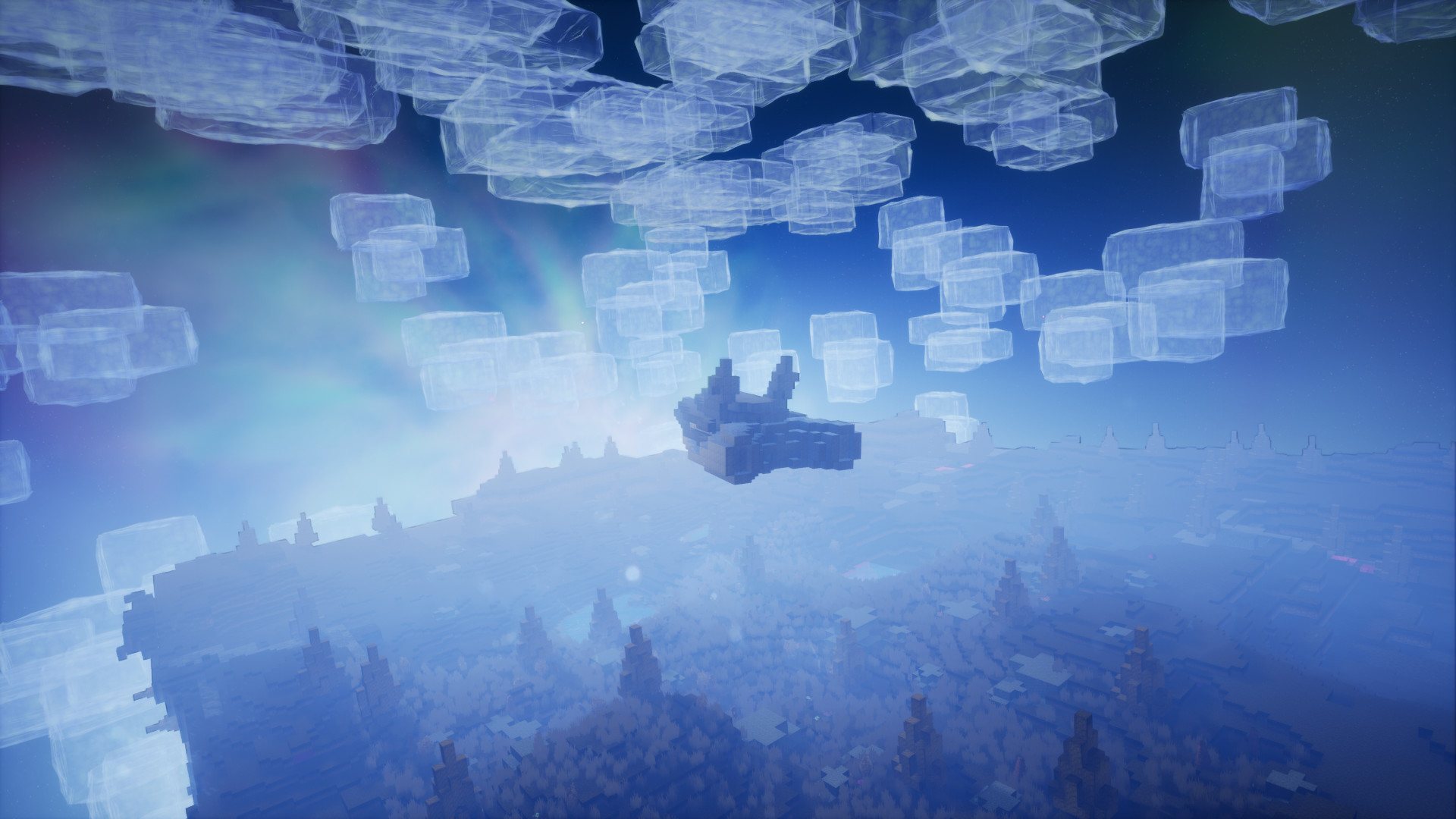
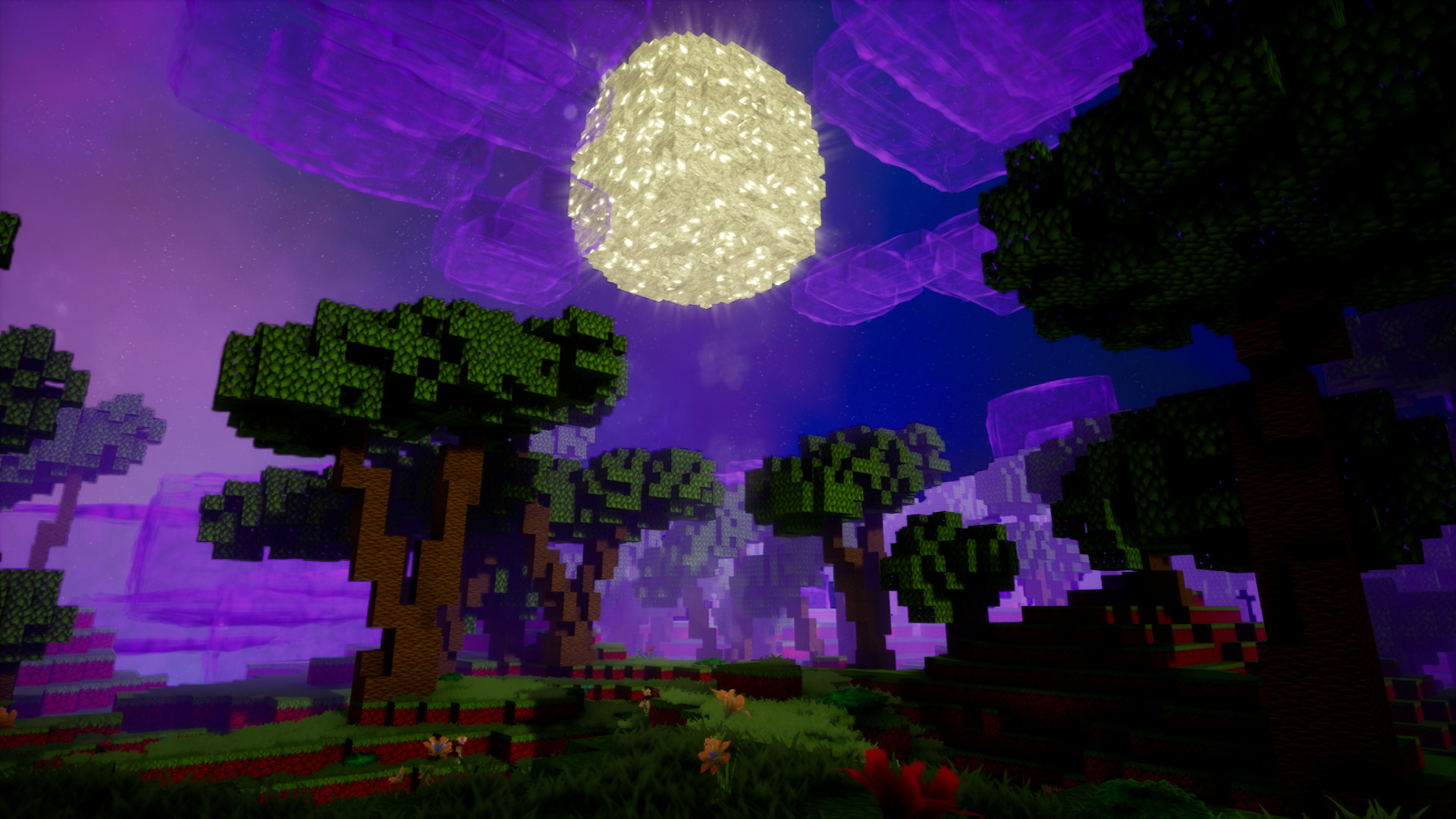
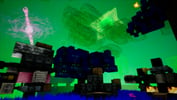
Outerverse is a quest-driven, crafting automation adventure game. Build automated machines and weapons, then use them to travel across the universe, beat massive titans, and advance your technology while experiencing cosmic events. Includes a manual scenario for crafting instead of machines for those not a fan of logic/automation!Defeat 6 massive Titans, each one unique and with a special mechanic to defeat. Shoot fireballs at the Tree Titan, launch rockets into the Rock Titan, build lasers to obliterate the Negative Titan, all that and more!Automate unique machines and farms using logic, transportation, and spawning systems inspired by Redstone & Minecraft Automation. Design your own custom machines, or use pre-made schematics for simplicity! Alternatively, choose the manual crafting scenario for the same experience but with crafting instead of machines – without machines, farms, logic or wires. Follow a questline that will fully guide your adventure. Progress to unlock better equipment and new space travel technology. From starting out and learning the basics, to defeating the most massive titans, the questline will guide you through the whole way.During the questline you will experience exciting cosmic events in unforgettable locations while you explore the universe made out of beautiful procedural space fields such as galaxy clusters, galaxies, neutron stars with accretion disks, gas planets, quasi stars, and more!



Real customer reviews