
Dying Light – Vintage Gunslinger Bundle DLC Steam CD Key




Description
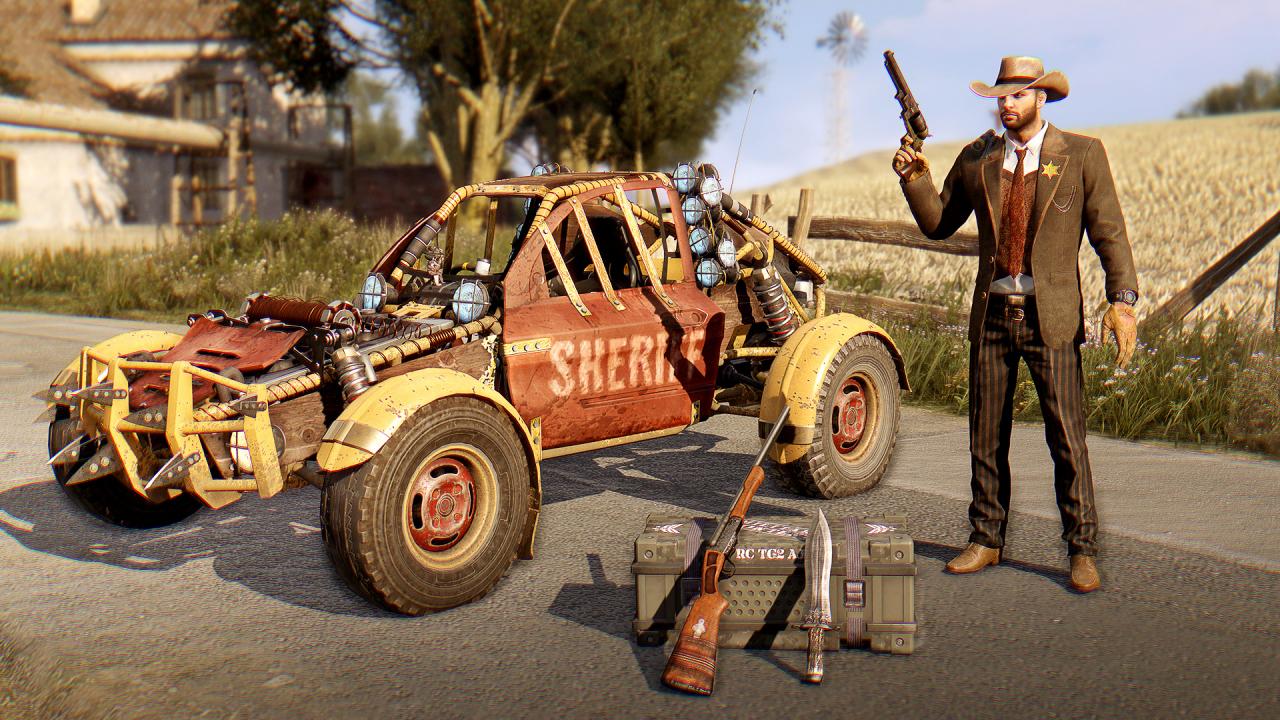
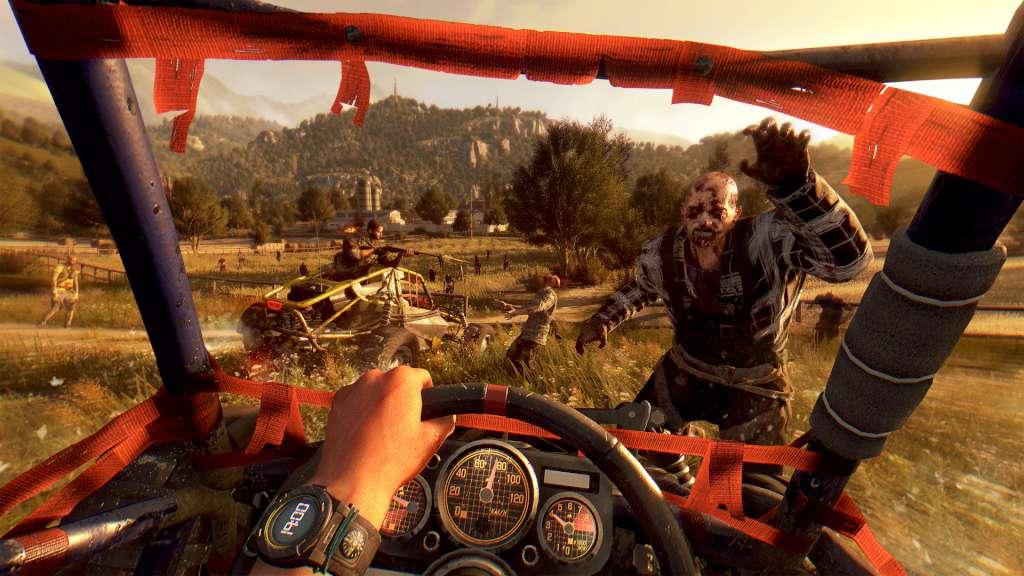
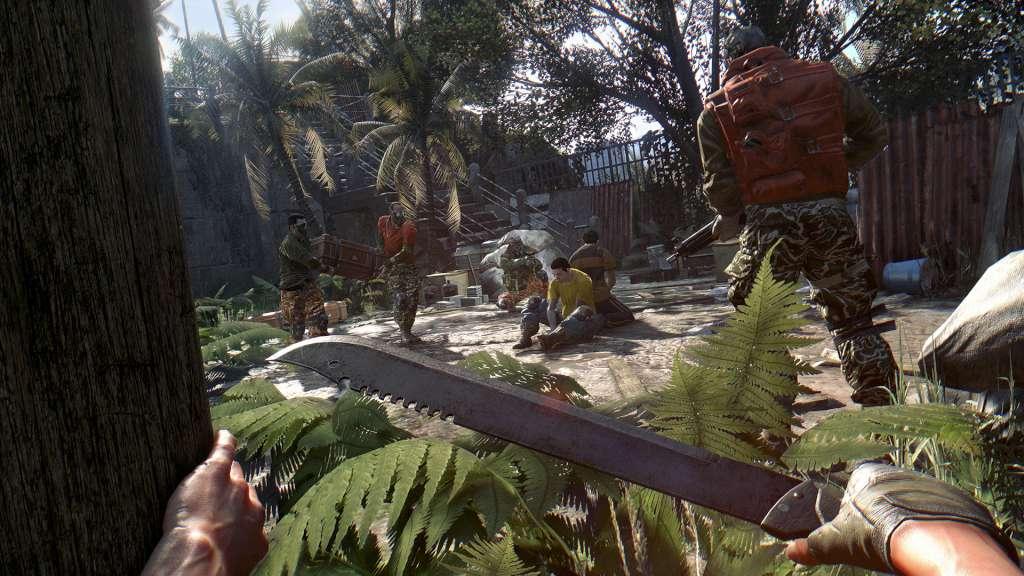
Nothing like good old-fashioned law and order. Fight crime as a sheriff armed with the Oathbreaker, the Onyx Thunderbolt, and the Deputy while you patrol your county in the Golden Bull buggy. The Vintage Gunslinger Bundle includes a new character outfit, a new buggy paint job, and blueprints for three new weapons: a shotgun, a revolver, and a long knife. Note: Buggy paint job requires Dying Light: The Following expansion pack.
System requirements
Windows
OS: Windows® 7 64-bit / Windows® 8 64-bit / Windows® 8.1 64-bit Processor: Intel® Core™ i5-2500 @3.3 GHz / AMD FX-8320 @3.5 GHz Memory: 4 GB RAM DDR3 Hard Drive: 40 GB free space Graphics: NVIDIA® GeForce® GTX 560 / AMD Radeon™ HD 6870 (1GB VRAM) DirectX®: Version 11 Sound: DirectX® compatible Additional Notes: Laptop versions of graphics cards may work but are NOT officially supported. Windows-compatible keyboard, mouse, optional controller (Xbox 360 Controller for Windows recommended)
Mac
OS: macOS Sierra 10.12.1 Processor: Intel® Core™ i5 @3.20GHz Memory: 4 GB RAM DDR3 Hard Drive: 40 GB free space Graphics: AMD Radeon™ R9 M370X (2GB VRAM) Additional Notes: Only AMD Radeon™ graphics cards are officially supported.
Linux
OS: Ubuntu 14.04 and newer recommended Processor: Intel® Core™ i5-2500 @3.3 GHz / AMD FX-8320 @3.5 GHz Memory: 4 GB RAM DDR3 Hard Drive: 40 GB free space Graphics: NVIDIA® GeForce® GTX 560 / AMD Radeon™ HD 6870 (1GB VRAM) Additional Notes: Laptop versions of graphics cards may work but are NOT officially supported.
Activation details
Go to: http://store.steampowered.com/ and download STEAM client Click "Install Steam" (from the upper right corner) Install and start application, login with your Account name and Password (create one if you don't have). Please follow these instructions to activate a new retail purchase on Steam: Launch Steam and log into your Steam account. Click the Games Menu. Choose Activate a Product on Steam... Follow the onscreen instructions to complete the process. After successful code verification go to the "MY GAMES" tab and start downloading.



Real customer reviews